VLESS not working: server failure or blocking
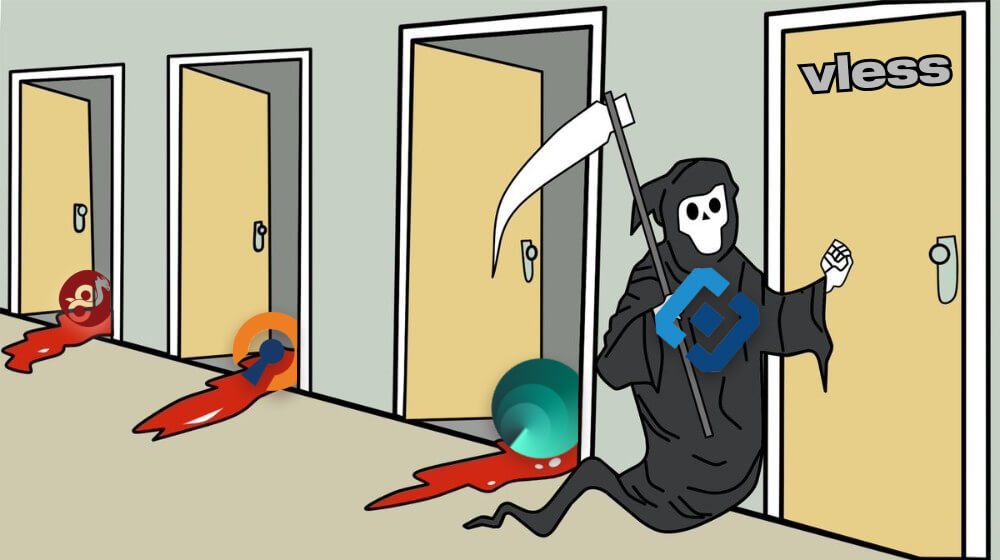
If VLESS does not work, the first thing to do is separate two cases: the server has really died, or TSPU (ТСПУ) has learned to catch your specific camouflage profile. These are different problems, and they are fixed in different ways.
VLESS is a protocol in the Xray core. Unlike VMess, it has no built-in encryption (an external layer, TLS, handles that), but it is lightweight and combines well with camouflage. Modern VLESS configs in Russia almost always come with XTLS-Vision or REALITY add-ons — they are responsible for making the traffic look no different from a normal HTTPS connection to a major Western site.
So the phrase “VLESS has been blocked” is technically inaccurate. TSPU blocks not VLESS itself, but specific patterns of its camouflage. When people say that “VLESS dropped,” they usually mean that the VLESS + old Reality domain bundle has become outdated, or a specific ClientHello pattern has been caught.
In short
- VLESS is a transport; XTLS-Vision and REALITY handle the camouflage.
- “The server died” means “it does not connect at all, anywhere, for anyone.”
- “DPI block” means it connects on one operator but not on another.
- REALITY with an outdated dest domain is caught by TSPU — update the config.
- VMess without TLS is much easier to detect than VLESS+REALITY.
- The first thing to change is the camouflage, not VLESS itself.
Why VLESS stops working: main causes
When VLESS “does not work,” several different scenarios can be hidden behind that. Let’s go through them in order.
The server is unavailable
The most basic case: the VPS is down, traffic has run out, or the provider has banned the IP. The symptom is that the client shows “connection refused” or hangs at connect/tls handshake; ping to the server IP does not work; no user of this server can connect. This can only be fixed on the owner’s side.
Error in the client config
In VLESS+REALITY, the critical fields are: user UUID, sni domain, publicKey, shortId, fingerprint. Any typo breaks the connection. If the config was copied from a vless:// link via QR code, there are usually no errors; if it was entered manually, this is where you should start.
TSPU has learned to distinguish the camouflage
REALITY imitates a TLS connection to the specified “safe” domain (dest). If this domain has ended up on a stop list, or the ClientHello pattern has become recognizable, the filter cuts the connection. The fix is to change dest to a current domain and update the client fingerprint.
Client and server version conflict
Xray-core is actively developed. An old client may not support a new XTLS-Vision version on a freshly updated server. If the server core was updated recently, update v2rayNG/Hiddify/Streisand/any client you use as well.
How to understand what exactly broke
| Symptom | Possible cause | What to check |
|---|---|---|
| None of the server’s users can connect | The server is dead or the IP was banned | Ping the IP, check the port from outside |
| Works for some users, does not work for others | DPI at specific operators | Compare measurements by operator and region |
| There is a connection, but the internet does not work | Camouflage failed, DPI is cutting the data | Change the dest domain or fingerprint |
| Connection hangs at TLS handshake | TSPU detects the REALITY pattern | Update the client and server config |
| invalid user / invalid uuid error | Typo in the config | Re-import the vless:// link |
| Works on VMess, not on VLESS | Regression in the client or version mismatch | Update the Xray client |
How to check right now
To quickly understand whether “the problem is mine or everyone’s,” run a check through Freedom Checker — we regularly test the availability of popular protocols and services from probes in different operators and regions of Russia. If VLESS works on a neighboring operator but not on yours, this is a local TSPU block, not a general one.
For deeper diagnostics, it is useful to look at the project source code and documentation: XTLS/Xray-core on GitHub and the XTLS/REALITY description. The guides there also cover which dest domain is currently recommended.
Failure or blocking?
A failure is a local outage: the server, the VPS provider, or a lost packet on the route. The sign is that the problem is symmetric for all clients of this server and usually resolves by itself within an hour or two.
Blocking is when the same VLESS config behaves differently for different users on different networks: it passes somewhere and fails somewhere else. If, over the course of a day, another operator where it is being cut appears, the TSPU rules were almost certainly updated. In that case, you change not VLESS, but its camouflage layer: the dest domain in REALITY, the fingerprint, or the XTLS-Vision version.
What to pay attention to
- Connect using a vless:// link or QR code — this eliminates typos.
- If only REALITY with one specific dest domain works, keep a reserve of 2–3 current ones.
- Update the client regularly (v2rayNG, Hiddify, Streisand, NekoBox) — old versions do not support new patterns.
- Do not use VMess as a “backup VLESS”: it is much easier to detect.
- Check the config from two operators — this quickly separates “the server died” from “the operator is cutting it.”
- If your VLESS suddenly dropped for all clients at the same time, the server itself or the IP was almost certainly cut off.
- On iOS, the set of clients is smaller than on Android, but Streisand and Happ usually support current Xray versions.
Conclusion
VLESS is not a separate “circumvention method,” but a bundle of a transport (Xray) and a camouflage layer (XTLS-Vision or REALITY). When something does not work, it is important to understand exactly which layer has failed: the server, the config, or the camouflage signature. Without that clarity, it is easy to switch from a working service to a non-working one.
If you suspect blocking by a specific operator, first compare against Freedom Checker measurements. Only then change the configuration.