Gosuslugi (Госуслуги) Does Not Work with VPN: Cause and How to Check
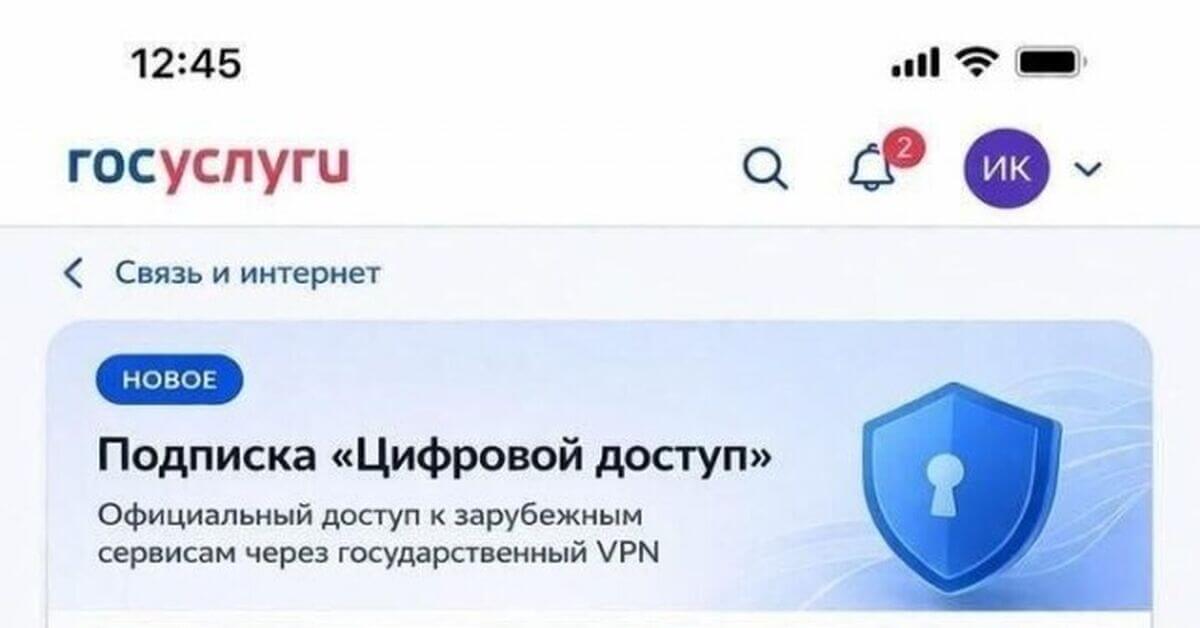
If Gosuslugi (Госуслуги) has stopped opening or will not let you into your account, the problem is most likely the VPN. The portal and the related ESIA (ЕСИА) authorization system do not like foreign IP addresses: the page may hang during sign-in, the SMS code may not arrive, or an error may appear saying “could not sign in.”
Gosuslugi itself is still working and available — but only from a Russian IP. From the portal’s point of view, this is normal account protection: requests from abroad are considered suspicious by default, especially when personal data and government services are involved.
The simplest solution is to disable the VPN only for Gosuslugi, without turning it off completely. Freedom Checker helps check whether the problem is really the VPN and not an outage.
In short
- Gosuslugi and ESIA block sign-ins from foreign IP addresses.
- The confirmation SMS code may not arrive if the sign-in looks suspicious.
- It is enough to temporarily disable the VPN or configure split tunneling for the gosuslugi.ru domain.
- Do not try to bypass the check — this may lead to your account being blocked.
- If Gosuslugi does not open even without a VPN, then it is an outage or an operator problem.
Why Gosuslugi does not work through a VPN
Gosuslugi is one of the most tightly protected Russian services: ESIA is used for authorization in banks, clinics, the Federal Tax Service, MFCs, and dozens of other portals. That is why its security policy is stricter than that of an ordinary website, and any unusual network situation quickly causes sign-in to be blocked.
IP address check
The first thing the portal checks is the IP geography. If the address belongs to a foreign hosting provider or VPN provider, the site will either not return the authorization page or will request additional confirmations. Some VPN servers are listed in blacklists as “cloud” servers, even if they are formally located in Russia.
Browser and device fingerprint
ESIA takes into account not only the IP address, but also the device: the browser used, the operating system, language, and screen resolution. When you sign in from a familiar device but from a “new country,” this is a strong contradiction. The system decides to play it safe and refuses authorization.
The SMS code does not arrive
Some users complain that when a VPN is enabled, the SMS code for sign-in does not arrive. The code itself is delivered as usual over the mobile network — but the portal may not start the sending procedure at all if the sign-in has already been classified as suspicious at the login entry stage.
How to understand what exactly broke
| Symptom | Possible cause | What to check |
|---|---|---|
| The sign-in page takes a long time to load | Foreign IP, the site does not return the form | Open Gosuslugi without a VPN |
| “Could not sign in, try again later” | ESIA anti-fraud blocked the attempt | Disable the VPN, wait a few minutes |
| The SMS with the code does not arrive | The sign-in was classified as suspicious | Sign in without a VPN, the SMS will arrive immediately |
| Sign-in succeeded, but nothing opens | Some requests go through the VPN, some do not | Completely disable the VPN while using the site |
| Gosuslugi does not open even without a VPN | Portal outage or operator problem | Check availability through Freedom Checker |
How to check right now
The first step is to disable the VPN and try again. If the page opens and the SMS arrives, the cause is definitely the VPN. If the situation does not change, the problem may be an outage of the portal itself or routing at your operator.
Freedom Checker helps separate these quickly: it shows whether Gosuslugi opens for different operators and regions. If the service is unavailable everywhere, it is an outage. If the problem is only on your side, it is the VPN, DNS, or local network.
Outage or blocking?
Gosuslugi is a Russian government service, and Roskomnadzor (Роскомнадзор) does not block it. If the portal does not open for you, it is always either anti-fraud protection (a foreign IP), or a portal infrastructure outage, or an operator problem.
An outage is usually widespread: the page is unavailable for many users at once, and the error appears both without a VPN and through several different operators. Anti-fraud is individual: one user has it, another does not, and it disappears instantly after the VPN is disabled.
What the user should do
- Disable the VPN before signing in to Gosuslugi and use only a Russian IP.
- Configure split tunneling in the VPN app and add the gosuslugi.ru domain to it.
- Do not try to “mask” the sign-in through proxies and emulators — this puts the account at risk.
- For work scenarios, enable sign-in only from a confirmed device.
- If the site does not open without a VPN, check availability through other operators.
- Remember that the situation may differ by operator, region, and check time.
Conclusion
Gosuslugi does not work through a VPN not because the portal itself is blocked, but because ESIA does not allow sign-in from foreign IP addresses. This is a protection feature of a government service, and the correct way to work with it is not to “fake the country,” but to open the portal directly, without a VPN.
If it seems that the cause is not the VPN, it is worth checking Gosuslugi through Freedom Checker across different operators and regions to understand whether this is a local problem or a general outage.